Salesforce Reports and Dashboards can answer many of the questions teams rely on, but sometimes the initial answer raises more questions. Salesforce CRM Analytics extends Salesforce’s standard reporting with deeper exploration, external business data, Salesforce actions, and predictive insights and recommendations. This guide explores these capabilities, where they add value, when CRM Analytics may justify the investment, and how to get more from your current reporting capabilities.
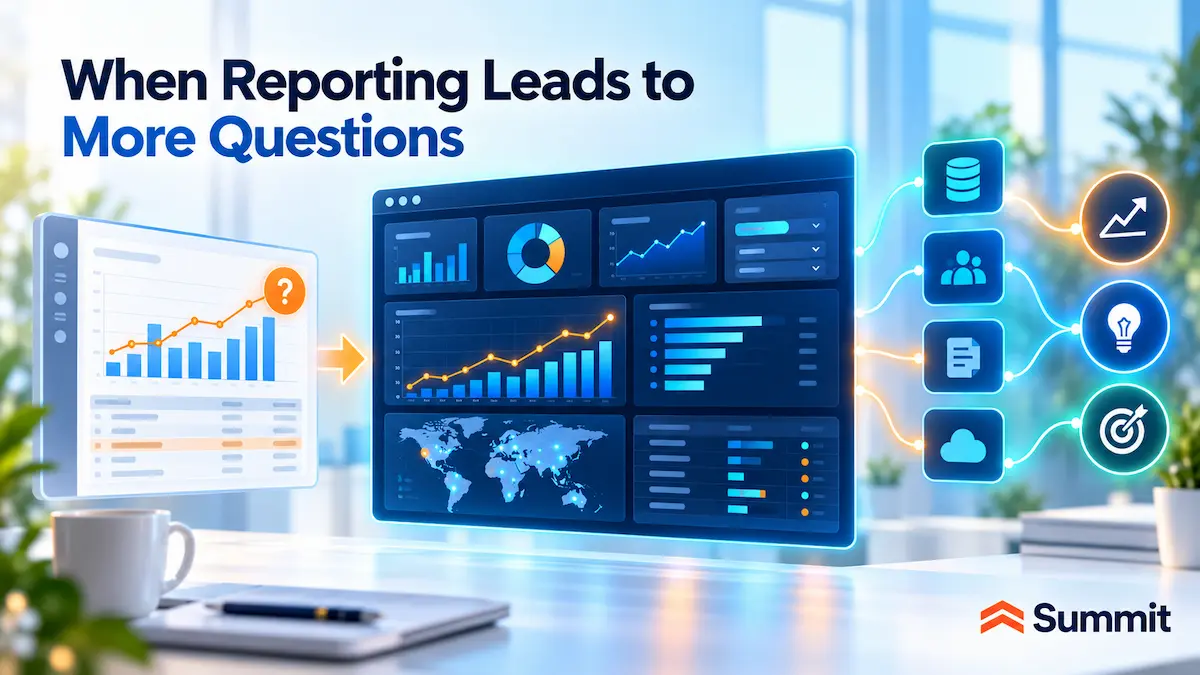
When Salesforce Reporting Leads to More Questions
Salesforce Reports and Dashboards can answer many of the questions teams rely on to monitor sales, service, and customer activity. The need for deeper analysis often becomes clear when a result raises a follow-up question that requires additional context, further exploration, or information outside Salesforce.
Here are a few common situations to illustrate what that gap can look like:
- A sales leader sees conversion rates fall for a particular customer segment. Is the decline concentrated in certain products, regions, opportunity types, or activity patterns?
- A service leader notices an increase in high-priority cases for one product line. Are the increases concentrated among certain customers, products, or usage patterns?
- A sales operations team sees the forecast shift from one week to the next. Which opportunities moved, which stages or products account for the change, and where is the shift concentrated?
What these examples have in common is that the first report or dashboard tells the team something changed, but not necessarily why, where, or what to do next.
Salesforce CRM Analytics is designed to help users investigate those follow-up questions, bring in relevant context from other systems, and keep the analysis connected to the Salesforce work it supports.
CRM Analytics is becoming part of a more connected Salesforce analytics portfolio. Salesforce continues to position CRM Analytics and Tableau as complementary offerings and is expanding interoperability across CRM Analytics, Tableau, Data 360, Tableau Semantics, and newer AI-powered analytics experiences. For customers, that makes the architectural question less about choosing one analytics product for everything and more about deciding where each experience best fits the users, decisions, and workflows involved.
What Is Salesforce CRM Analytics?
Salesforce CRM Analytics is Salesforce’s native analytics experience for CRM. It brings deeper analysis into the Salesforce environment, helping users move from seeing what happened to exploring why it happened, what may happen next, and what to do with that information.
At a high level, CRM Analytics extends what Salesforce users can do with data in four main ways:
- Bring more business context into Salesforce analytics. CRM Analytics can combine Salesforce data with information from ERP systems, financial systems, transaction platforms, data lakes, data warehouses, and other external sources.
- Explore data more interactively as new questions emerge. Users can move beyond predefined views to filter, drill into, and examine the data from different angles as the analysis develops.
- Connect insights more directly to action in Salesforce. CRM Analytics dashboards can keep action close to the insight, with users able to update records, start a Salesforce Flow, or use other available Salesforce actions without leaving the analytical context.
- Use AI to anticipate outcomes and guide what happens next. CRM Analytics can apply machine learning to predict outcomes, identify the factors influencing those predictions, and surface recommended improvements, helping users add a forward-looking signal to their decisions.
A note on terminology: If you’ve worked with Salesforce analytics for several years, you may recognize CRM Analytics by an earlier name. Einstein Analytics and Tableau CRM are former names for the product, and you may also see the current name abbreviated as CRMA.
What Does CRM Analytics Add Beyond Salesforce Reports and Dashboards?
For many organizations, a dashboard may help address the first question a user has, but deeper analysis requires another step.
Here’s a common pattern. A leader spots a trend or an unexpected change; someone needs to investigate it; an analyst pulls additional data or builds another view; and the group eventually returns to Salesforce to respond.
CRM Analytics can reduce some of those handoffs and keep more of the analysis and follow-through connected. Here are four ways it can help:
1. Bring Outside Business Data Into the Same Analysis
An account, opportunity, or case may sit at the center of a business question in Salesforce, while some of the context needed to answer it lives somewhere else.
Imagine an account executive reviewing an expansion opportunity. Salesforce shows recent activity and open pipeline. The account executive may also want to know:
- Is the customer ordering more or less than it did six months ago?
- Which products is the customer buying?
- Are invoices current?
- Has purchasing activity changed?
When those external sources are connected, CRM Analytics can bring relevant order and billing information into a single analysis, while the source applications continue to manage the underlying transactions.
The account executive can then evaluate the opportunity with more business context, without manually assembling separate reports.
Related guide: If your organization is evaluating how Salesforce should access and use external business data, our Salesforce Data Foundation guide explores the broader architecture and how Data 360, MuleSoft, Informatica, Tableau, and existing enterprise platforms can fit together.
2. Ask Follow-Up Questions in Natural Language
Business users may know exactly what they want to understand without knowing how to build the report or analytical view required to answer it.
With CRM Analytics conversational exploration, a user can open the Conversations panel from a dashboard and type a question in everyday language. CRM Analytics uses the data available to that user to return an automatically configured chart.
For example, imagine a revenue operations leader reviewing lead performance and wanting to compare conversion across the sales organization. The leader could ask:
“What is the lead conversion rate by rep last month?”
CRM Analytics can return a chart based on the data available to that user, who can then refine the question and continue exploring. That gives business users a more direct path to self-service analysis without requiring them to understand the mechanics behind the view.
3. Predict Outcomes and Recommend Improvements
A dashboard can show what happened. Predictive analytics can add another layer of insights: what may happen next, what factors are associated with that outcome, and what could improve the expected result.
Einstein Discovery is Salesforce’s predictive and prescriptive analytics capability. Within CRM Analytics, it can use patterns in historical data to predict likely outcomes and identify the factors most strongly associated with them. When relevant variables are actionable, it can also suggest improvements that may influence the predicted result.
Imagine a customer success leader trying to identify customers who may be at greater risk of churn. Einstein Discovery can help the leader consider:
- Which customers show a higher predicted risk of churn?
- Which factors are most strongly associated with that risk?
- Are there factors the organization can influence that could improve the predicted outcome?
The customer success leader can weigh those signals alongside account history, relationship context, and other available information before deciding where closer attention is warranted. The prediction is not a verdict; it is an additional signal that may help the team respond earlier, while there is still time to influence the outcome.
Licensing note: CRM Analytics Plus includes Einstein Discovery. Salesforce also offers Einstein Discovery through an Einstein Predictions license.
The usefulness of those predictions still depends on data quality, governance, and readiness. We’ll return to those factors later.
4. Turn Insights Into Action with Human Judgment or Automation
CRM Analytics dashboards can keep action close to the insight. Depending on how the dashboard is configured, users can update Salesforce records, start a Salesforce Flow, invoke configured Salesforce actions, or navigate directly to a related record.
Imagine an account executive sees an Einstein Discovery prediction indicating that an important opportunity deserves closer attention. After reviewing the factors behind the prediction, the account executive can decide how to respond and, depending on the dashboard configuration, take an available Salesforce action without leaving the analytical context.
CRM Analytics supports two distinct paths from insight to action:
- Human-directed action: CRM Analytics surfaces the insight or recommendation, and the person responsible decides what should happen next.
- Configured automation: The organization uses the analytical output as an input to a workflow it has already defined, allowing selected next steps to occur automatically when predefined conditions are met.
For configured automation, Salesforce Flow can use Einstein Discovery predictions, top predictors, and suggested improvements as inputs to a workflow. The organization defines the conditions and the resulting action.
For example, a Flow could use an Einstein Discovery prediction as one of its inputs. When predefined criteria are met, the workflow could create a follow-up task for the record owner, update the Salesforce record, or start another defined step in the business process.
That flexibility matters because some situations warrant human review and judgment, while others are repeatable enough to automate within defined guardrails. CRM Analytics provides the analytical signal, while the organization determines how that signal should influence the response.
Taken together, these capabilities can keep more of the path from question to insight, decision, and action connected within Salesforce.
The analytics landscape is also increasingly intersecting with AI assistants and agents. Salesforce is expanding access to trusted business context and governed actions beyond traditional Salesforce interfaces, including through Agentforce, Slack, and its expanded Anthropic partnership. As these experiences evolve, CRM Analytics, Tableau, Data 360, and Salesforce’s broader data foundation may increasingly provide analytical context that AI-powered experiences can use.
Business Benefits of Salesforce CRM Analytics
So, what does all of this mean for the business? The business value of CRM Analytics comes from helping teams answer questions faster, make decisions with more context, and move from insight to action with fewer handoffs.
1. Faster Answers to Business Questions
CRM Analytics lets users explore the data, pursue follow-up questions, and examine an issue from different angles without starting another reporting cycle each time.
Business impact: Shorter analysis cycles can help teams respond to issues and opportunities sooner.
2. Better-Informed Decisions
Bringing relevant Salesforce and external business data into the same analysis gives teams more of the information behind a customer, opportunity, service issue, or performance change.
Business impact: Decisions can better reflect the customer and business context behind revenue, service, and operational performance, reducing the risk of acting on an incomplete picture.
3. Earlier Identification and Better Prioritization of Risks and Opportunities
With Einstein Discovery in CRM Analytics Plus, predictive analytics can indicate likely outcomes and identify the factors most strongly associated with those predictions. When the business can influence relevant factors, Einstein Discovery can also suggest improvements.
Business impact: Teams can gain more lead time to address customer risk, focus on higher-priority opportunities or cases, and direct attention where it may have the greatest impact.
4. Reduced Reporting Backlogs and Higher Productivity
Business users can answer more follow-up questions themselves instead of routing every request through an analyst, administrator, or operations team.
Business impact: Fewer routine report requests and smaller reporting backlogs can free analytics and operations specialists to focus on complex analysis, data quality, governance, and other higher-value work.
5. A Faster Path from Insight to Action
Because CRM Analytics is native to Salesforce, insights can stay connected to the records, processes, and available actions involved in the work rather than requiring a separate handoff before someone can respond.
Business impact: Less tool switching and fewer handoffs can shorten the time between recognizing an issue or opportunity and taking action.
6. Less Manual Work Through Automation
For repeatable situations, CRM Analytics insights and predictions can serve as inputs to Salesforce workflows that carry out predefined next steps.
Business impact: Well-designed, governed automation can reduce manual steps and administrative effort while helping recurring processes run more consistently.
7. Faster Time to Value for Common Analytics Needs
CRM Analytics Growth and Plus plans include purpose-built Sales Analytics and Service Analytics, along with Fast-Start Analytics Templates that give teams a starting point for common analytics needs.
Business impact: Organizations may be able to reduce some of the design and development effort required to build analytics from the ground up and put useful analytics in front of users sooner.
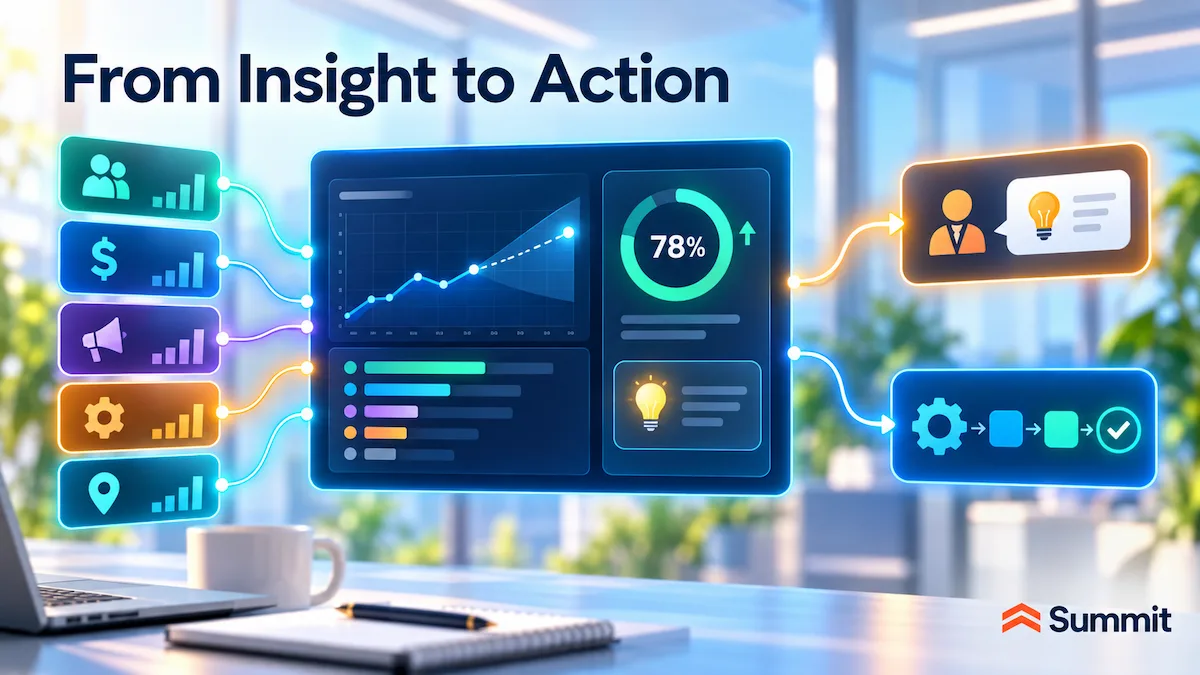
When Should You Consider Salesforce CRM Analytics?
CRM Analytics adds many capabilities beyond native reporting, but that doesn’t mean it’s the right fit for every organization.
Overall, it’s worth considering when Salesforce is already central to how people work, and native reporting no longer provides enough context, flexibility, guidance, or connection to action.
Before adding another analytics product, we recommend starting with the capabilities already available in your Salesforce environment. Many organizations can address meaningful reporting gaps by first getting more from Reports and Dashboards.
Getting Full Value from Salesforce Reports and Dashboards
Native Salesforce reporting offers more depth than many teams use day-to-day, and the examples below are a useful starting point.
| Salesforce capability | What it does | Why it can help |
|---|---|---|
| Dynamic Dashboards | A single dashboard can run as the logged-in user, displaying results according to each viewer’s access to Salesforce data. | One dashboard can serve multiple managers, teams, or audiences without maintaining a separate version for each one. |
| Personalized Report Filters | A single report can automatically filter results based on the signed-in user—for example, showing each opportunity owner the opportunities assigned to them. | Reduces duplicate reports while making the same recurring report more useful to different users. |
| Report Subscriptions and Conditional Notifications | Reports can be delivered automatically on a schedule, and users can be notified when defined report conditions or thresholds are met. | Reduces manual report distribution and repeated checking while bringing important changes to users’ attention sooner. |
| Cross Filters | Reports can include or exclude records based on their relationship to other Salesforce records — for example, accounts with escalated cases or accounts without opportunities. | Helps users answer more sophisticated relationship-based questions within native reporting without immediately exporting data or building another workaround. |
| Historical Trending | Historical trend reports compare supported Salesforce values across points in time so users can see how they have changed. | Adds visibility into movement — such as changes in pipeline, forecasts, or cases — rather than showing only the current state. |
Availability note: Availability, limits, and configuration requirements vary by capability and Salesforce edition, so confirm what is available in your environment.
Summit success stories: What strong native Salesforce reporting can deliver
- Ohio State University College of Arts and Sciences: Summit built more than 15 Salesforce reports and charts to visualize recruiting and admissions funnels across multiple criteria, providing staff with greater visibility into performance and trends.
- Eukalin: Summit built comprehensive Salesforce Reports and Dashboards as part of a broader Salesforce Health Check and optimization effort, improving visibility and supporting better-informed decisions.
If capabilities like these address the gaps your users are experiencing, improving native Salesforce reporting may be the right next move without adding another analytics product.
When CRM Analytics May Be the Better Fit
Once you understand what native reporting can already do, the CRM Analytics decision becomes more focused.
What do your users still need to accomplish in and around Salesforce that Reports and Dashboards are not providing today?
Here are a few situations to consider as you evaluate the fit:
| When this is happening | What CRM Analytics adds |
|---|---|
| Salesforce is where much of the work happens, but important context lives in other systems. Users may be working with an account, opportunity, case, customer relationship, or another Salesforce process, but need billing, product usage, transaction, finance, ERP, or operational information to fully understand what is happening or decide what to do next. |
CRM Analytics can analyze relevant Salesforce and external data together, giving users more of the context they need without requiring them to piece the story together manually across multiple systems. |
| A report or dashboard answers the first question, but users need to investigate further. They can see that something changed, but still need to understand why, where it is concentrated, which records are driving it, or what pattern sits underneath it. Requiring someone else to build another report for every follow-up slows the analysis. |
CRM Analytics gives users more freedom to explore the data themselves, drill into the result, and pursue follow-up questions without starting another report-building cycle each time. |
| Users have the right business questions but are not report builders or analysts. They may know exactly what they want to understand without knowing how to configure the report or analytical view required to answer it. |
Conversational exploration lets users ask questions in nontechnical language and receive automatically configured charts, opening more self-service analysis to the people who need the answers without requiring report-building expertise. |
| Some decisions need a forward-looking signal. Teams may want an indication of what may happen next, which factors are most strongly associated with that prediction, or what could improve the expected outcome. |
Einstein Discovery in CRM Analytics Plus adds predictive and prescriptive insight, giving users additional guidance for prioritizing, evaluating, and responding while there may still be time to influence the result. |
| The insight is most useful when it stays close to the Salesforce work involved. A separate analytical result can lose context when the user then has to reconnect it to the account, opportunity, case, or process they are working with. |
CRM Analytics can keep analytical insight connected to Salesforce records and processes, helping users interpret the information in the context of the work it affects. |
| The insight needs to lead to action. Some situations require a person to review the information and decide what to do. Others follow a repeatable process where the organization has already defined the conditions and next steps. |
CRM Analytics can support both human-directed action and configured automation in Salesforce, helping shorten the path from understanding what needs attention to responding to it. |
CRM Analytics is strongest when Salesforce remains central to the user’s work, and the insight is more useful because it can be explored, understood, and acted on in that context.
Define What CRM Analytics Should Change
Before evaluating licenses or designing dashboards, define what should improve for the business if CRM Analytics is added. A strong use case starts with the decision, workflow, or problem to improve, not a product feature.
Who needs the insight, and where will they use it?
Identify the users and the Salesforce work involved. This keeps the use case grounded in a real decision or workflow rather than a general goal of “better analytics.”
What is difficult or inefficient today?
Name the problem in practical terms. Are users waiting too long for follow-up analysis? Is important context scattered across systems? Can they see a result but not investigate it themselves? Is too much of the process manual?
What is still missing from Reports and Dashboards?
Identify the gap: external context, deeper exploration, natural-language questions, predictive guidance, embedded insight, action, automation, or some combination of these.
What data does the use case depend on?
Determine what is already available in Salesforce, what must come from other systems, and whether that information is accessible and reliable enough to support the use case.
What should happen after the insight appears?
Decide whether someone should interpret the information and act, whether selected next steps should happen automatically, or whether the process needs both.
How will you know whether it made a difference?
Choose a small number of measures tied directly to the benefit you expect. These might include analysis turnaround time, report-request volume, time from insight to action, manual effort, or process cycle time, along with a business measure such as conversion, retention, case resolution, or cost to serve.
A strong business case connects the user, the problem, the missing capability, the data, the expected action, and the measurable result. If those elements are not well defined, adding another analytics license is unlikely to compensate for an unclear use case.
Licensing note: Salesforce currently offers CRM Analytics Growth and CRM Analytics Plus, while some Sales, Service, and Industry Cloud editions include CRM Analytics. CRM Analytics Plus includes Einstein Discovery. Confirm current packaging and pricing on the CRM Analytics pricing page as part of the evaluation.
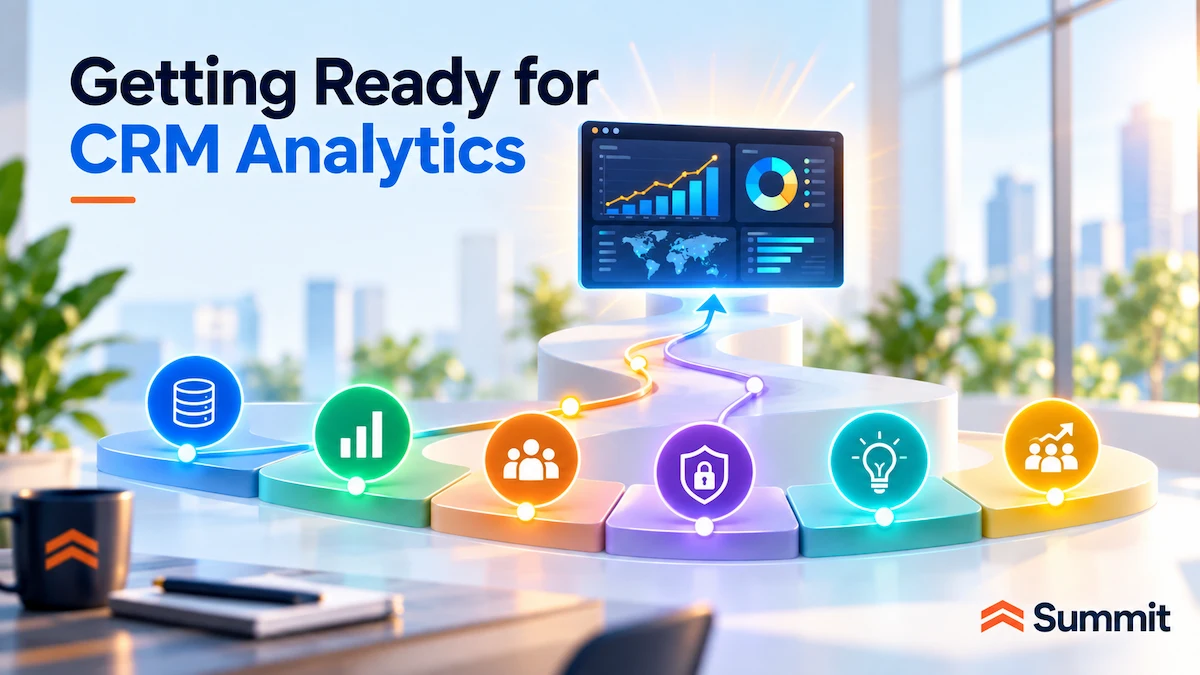
Getting Ready for Salesforce CRM Analytics
You do not need to solve every data, metric, governance, and process issue before evaluating CRM Analytics. Trying to fix everything first can turn readiness into a much larger project than it needs to be.
A more practical approach is to start with the first business use case you want CRM Analytics to support. Then focus on ensuring the data, definitions, ownership, controls, and processes behind that use case are reliable enough to support the decisions people will make based on the analysis.
Here’s what that looks like:
- Focus on the data the first use case actually needs. Determine whether the Salesforce and external information involved is accurate, complete, current, and accessible enough to support the decision.
- Agree on the definitions behind the important metrics. If different parts of the organization define an active customer, qualified opportunity, churn risk, service breach, or another critical measure differently, align on the definition the analysis will use.
- Clarify authoritative sources and ownership. Identify where each important data point should come from and who is responsible when questions arise about quality, definition, or ownership.
- Define how the insight should be used. Determine what the user should do with the information, where human judgment belongs, and which repeatable steps — if any — are appropriate for automation.
- Review permissions and governance. Make sure users have appropriate access to the underlying information and that predictions, recommendations, and automated actions follow the access and governance controls defined for the use case.
- Plan for adoption from the beginning. Users need to understand what the analytics mean, how much confidence to place in them, and how the insights should influence their work.
Taken together, these steps keep readiness focused on the first business decision you are trying to improve rather than turning it into an open-ended data cleanup project.
From there, the next step depends on what the use case requires.
If predictive analytics, recommendations, or automation are part of the plan, our AI-ready data guide covers data quality, ownership, connected data, trusted metrics, and readiness for AI-supported decisions.
Our AI data governance guide explores the governance, accountability, permissions, and controls that become increasingly important as data begins influencing recommendations and automated actions.
If the larger challenge is how Salesforce and external information should connect across Data 360, MuleSoft, Informatica, Tableau, warehouses, and other enterprise platforms, our Salesforce Data Foundation guide explores the broader architecture.
When analytics needs extend into broader enterprise analysis across functions and systems, Tableau may play a larger role. Our separate Tableau and Salesforce guide looks at when each option makes sense and where Tableau Next fits. (internal note - this is an upcoming post)
How Summit Can Help With Salesforce Data and Analytics
CRM Analytics may be the visible part of the solution but results also depend on the foundation around it: reporting design, data quality, integrations, governance, and the Salesforce processes the analytics supports.
Summit brings expertise across Salesforce, data, analytics, and AI to address those dependencies together.
Depending on the need, we can help you:
- Get more from the Salesforce reporting capabilities you already have. Before adding another analytics product, Summit can assess whether better use of Reports and Dashboards, more reliable metrics, improved configuration, or other Salesforce improvements can address the need. That work may start with our Salesforce Health Check and Analytics & BI Services.
- Determine the right analytics approach for the business need. We start by defining the users, business questions, decisions, metrics, and data involved, then determine where native Salesforce reporting, CRM Analytics, Tableau, or a combination of capabilities makes the most sense. This is a core part of our Analytics & BI Services.
- Plan, implement, and optimize Salesforce CRM Analytics. If CRM Analytics is the right fit, Summit can design it around the questions users need answered, the data and metrics behind them, and what should happen after an insight surfaces. Our analytics work includes hands-on design and implementation of CRM Analytics dashboards, reporting, self-service capabilities, and advanced analytics.
- Bring the right business data into the analysis. When the analysis depends on information outside Salesforce, Summit can connect ERP and finance platforms, cloud applications, operational systems, legacy environments, and other data sources to create a more reliable foundation for analysis through our data integration services.
- Strengthen the data foundation behind the analytics. If data quality, duplication, disconnected sources, or governance issues could limit confidence in the results, we can identify and address them through our Data Health Check and data governance services.
- Turn analytics into measurable improvement. We can define what should change, identify the measures that will demonstrate value, and design the analytics around the decisions and actions users need to make. As the solution evolves, that can include expanding self-service, refining dashboards and KPIs, introducing predictive or prescriptive capabilities, or reducing manual work.
- Build on the analytics investments you already have. If Tableau or other analytics capabilities are already part of your environment, we can determine how they should work alongside CRM Analytics and Salesforce reporting rather than creating unnecessary overlap. The goal is to give each capability a clear role based on the users, data, decisions, and business requirements involved.
If you are deciding how to improve Salesforce reporting, whether CRM Analytics is the right next step, or what needs to be in place to make the investment successful, get in touch with our team. We can help define the use case, identify the gaps, and determine the right approach across Salesforce, analytics, and your broader data environment.
Frequently Asked Questions About Salesforce's CRM Analytics
What is Salesforce CRM Analytics?
Salesforce CRM Analytics is Salesforce’s native analytics experience for CRM. It extends beyond Reports and Dashboards with capabilities to analyze Salesforce and external data together, support deeper interactive exploration, connect insights to Salesforce actions, and (in supported editions) add predictions and recommendations.